
Rating Scale
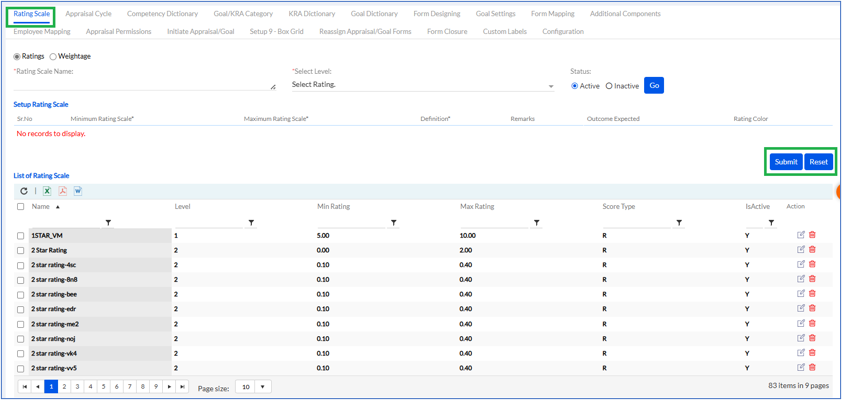
The Rating Scale is fixed by the admin by filling the Rating Scale Name, Select Level, selecting the status Active/Inactive and press go as shown below.
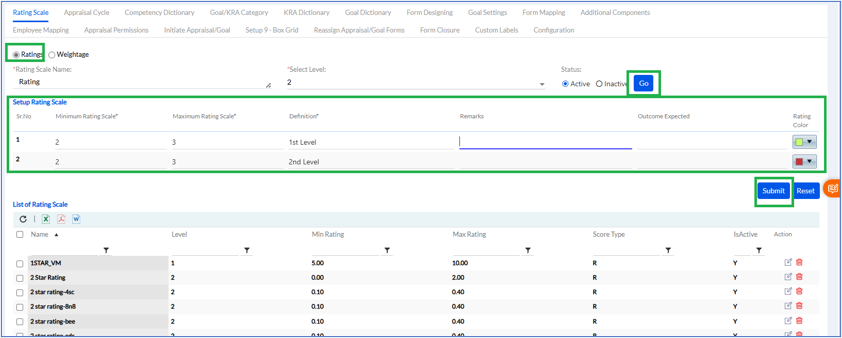
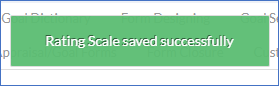
If the admin has selected 5 levels, then 5 rows will open to be filled. Here, the Minimum Rating Scale, Maximum Rating Scale, Definition, Remarks (Optional), Outcome Expected (Optional) needs to be filled in values, Rating Color needs to be selected from color pallet and then click on Submit. The pop up msg displayed as shown below.
The List of previously set Rating Scale is displayed below in a list. The list can be exported in Excel, PDF or Word format by clicking respective icons.
Rating Display Configuration
Navigation Path:
Performance Management > Setup > Rating Configuration
A new configuration allows administrators to control how ratings are displayed throughout the Performance Assessment module.
Administrators can choose one of the following display formats:
- Rating only (Example: 4.5/5)
- Rating Description only (Example: Exceptional)
- Rating and Description (Example: 4.5/5 (Exceptional))
The selected format is applied consistently across assessment forms and related screens.
2. Weightage
The Weightage Rating Scale is fixed by the admin by filling the Rating Scale Name, Select Level, selecting the status Active/Inactive and press go.
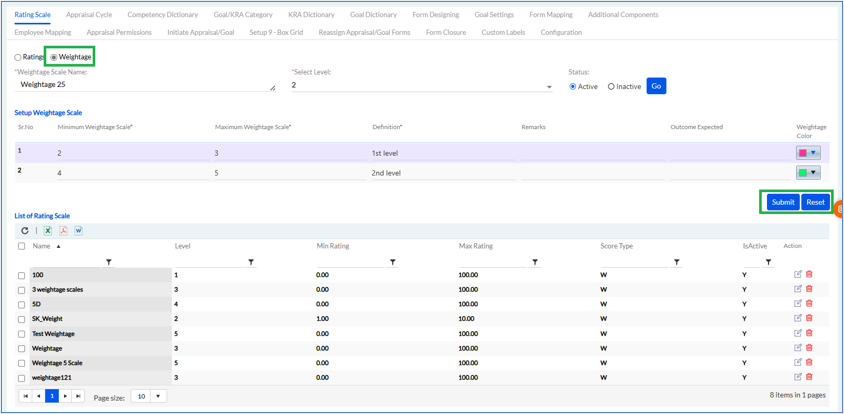
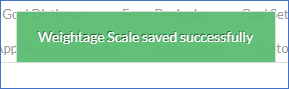
If the admin has selected 3 levels, then 3 rows will open to be filled. Here, the Minimum Rating Scale, Maximum Rating Scale, Definition, Remarks (Optional), Outcome Expected (Optional) needs to be filled in values and Rating Color needs to be selected from color pallet and then click on Submit. The pop up msg displayed as shown below.
The List of previously set Weightage Rating Scale is displayed below in a list. The list can be exported in Excel, PDF or Word format by clicking respective icons.