
Goal/KRA Category
Admin can select the KRA or Goal.
1. KRA
Give a Category Name, Select the Active/In Active, Select Measurement Criteria & Measurement Levels (displayed when Measurement Criteria is selected Yes) based on the KRA Category. KRA Categories will be used in KRA and KRA & Competency Based assessment cycles.
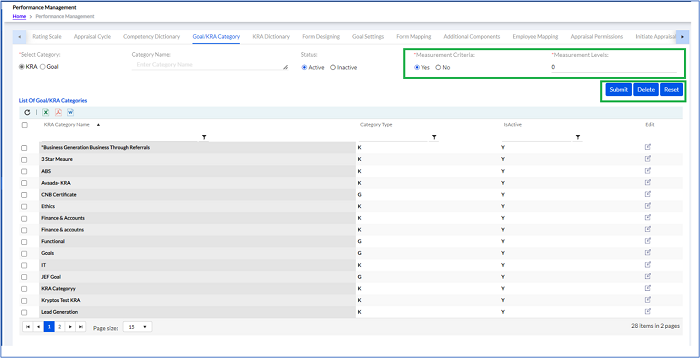
Click Submit (as highlighted in the above screen) to create a new KRA Category.
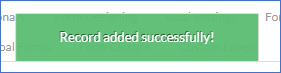
Previously created KRA categories are displayed in a list below. The list can be exported in Excel, PDF or Word format by clicking respective icons.
2. Goal
Give a Category Name, Select the Active/In Active based on the Goal Category. Goal Categories are used in Goal Settings.
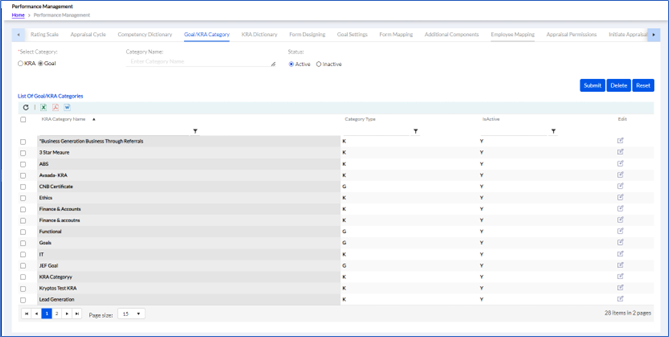
Click Submit (as highlighted in the above screen) to create a new KRA Category.
Previously created Goal categories are displayed in a list below. The list can be exported in Excel, PDF or Word format by clicking respective icons.