
Employee Mapping
Here employees need to be mapped according to respective assigned projects.
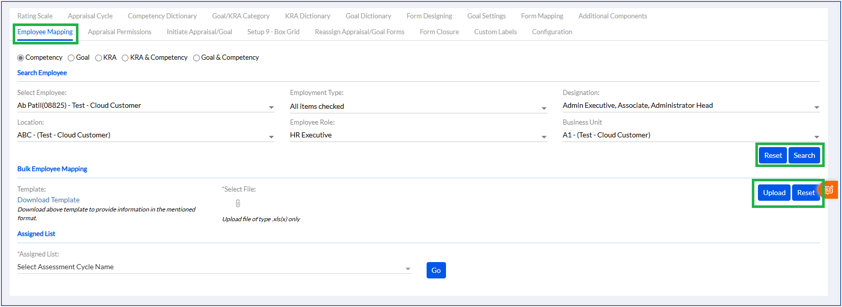
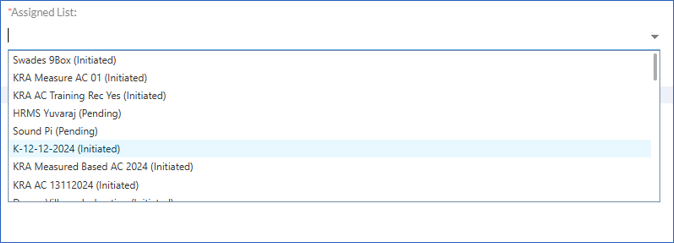
The user needs to select Employee, Employment Type, Designation, Location, and Business Unit and search. For deleting or viewing the mapped employees, user can go to assigned list and after selecting the assessment cycle, click on go. The list of employees will be displayed below, select the employee and click Assign Appraisal. Previously added Assigned are displayed in Assigned List.
A new Form Submission Extension Date option has been introduced on the Employee Mapping page.
Administrators can extend the assessment form submission deadline for selected employees without modifying the original assessment cycle dates. Employees can continue submitting assessment forms until the configured extension date.