
OT Request
The employee needs to select the OT Request tab from the Leave & Attendance module to apply for overtime. The employee must enter the required details such as date, number of OT hours, and reason for working extra hours. Once the employee fills in all mandatory fields, the request can be submitted for approval. After submission, the system routes the request to the reporting manager for further action.
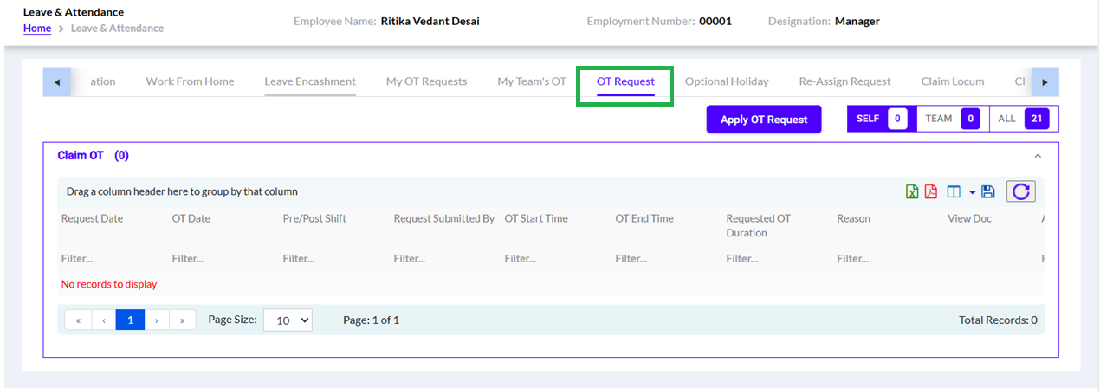
The employee can view the submitted OT requests along with their status (Pending/Approved/Rejected) in the same module. The details of each request, including applied hours and approval status, are displayed for reference.
The manager can review the OT requests submitted by team members and take necessary actions such as approve or reject based on business requirements. Once approved, the overtime is recorded and can be utilized for compensation or leave benefits as per company policy.