
Windows Login Setup
On this page, the Admin can setup the Windows login id to employees to Login to HRMS application with domain user id. Admin needs to select one or more employees/users by checking the box against the names in the list, enter the Windows Login IDs and then click on the Update button, as highlighted in the screenshot below.

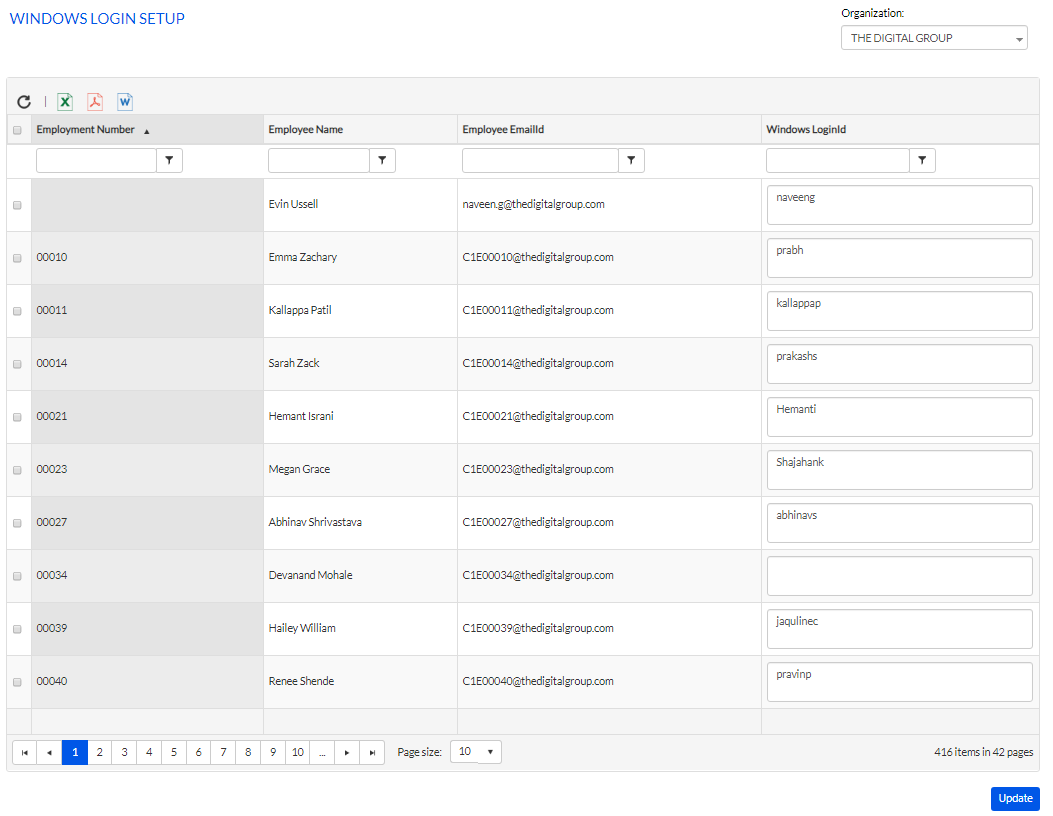
Once the user’s Login Id is updated, it appears against the user on the grid, as highlighted in the screenshot below.