
My Details - Asset Info
The Assets allotted to the employees are listed and displayed here according to their BU.
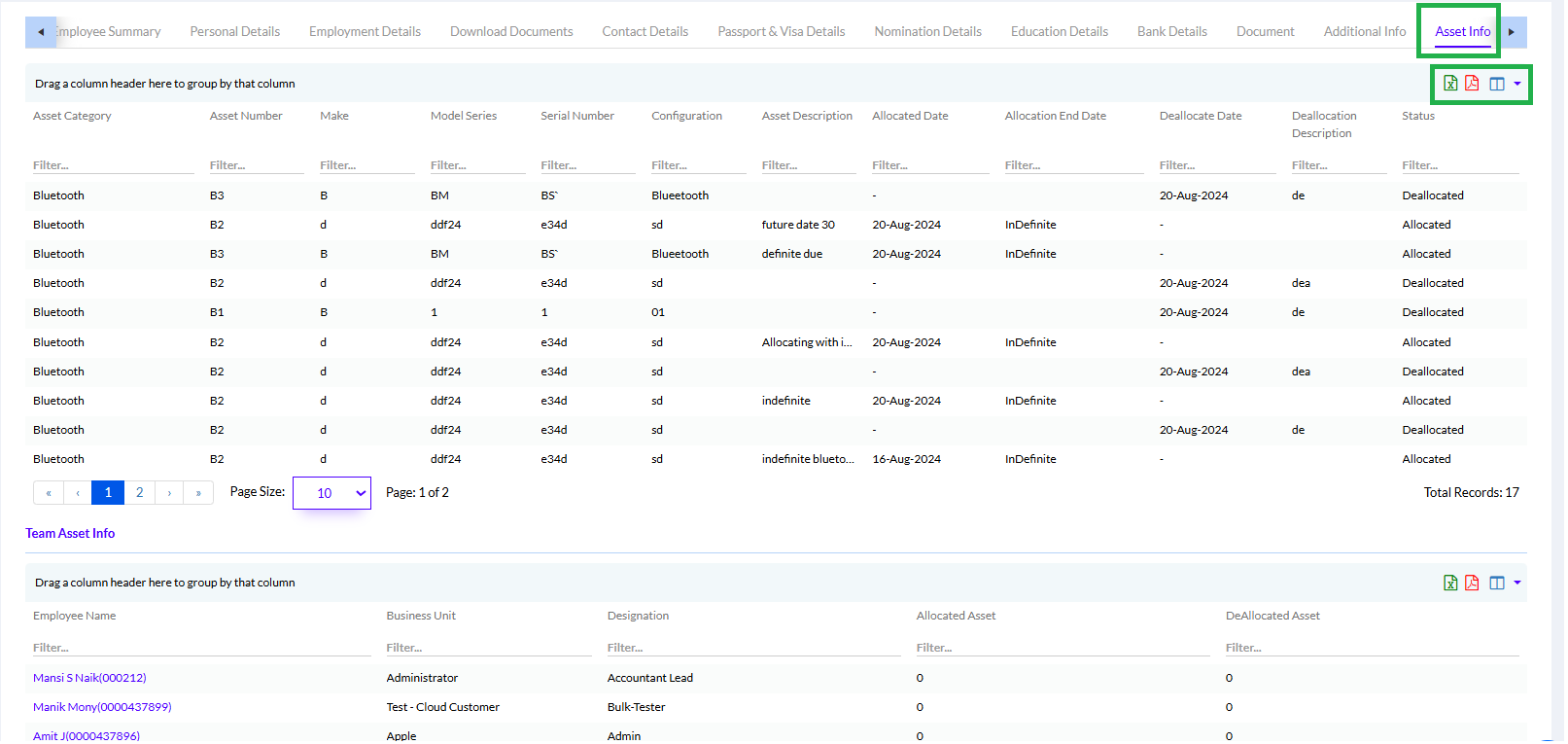
The list can be exported in Excel, PDF or Word format by clicking respective icons as highlighted in the above screen.
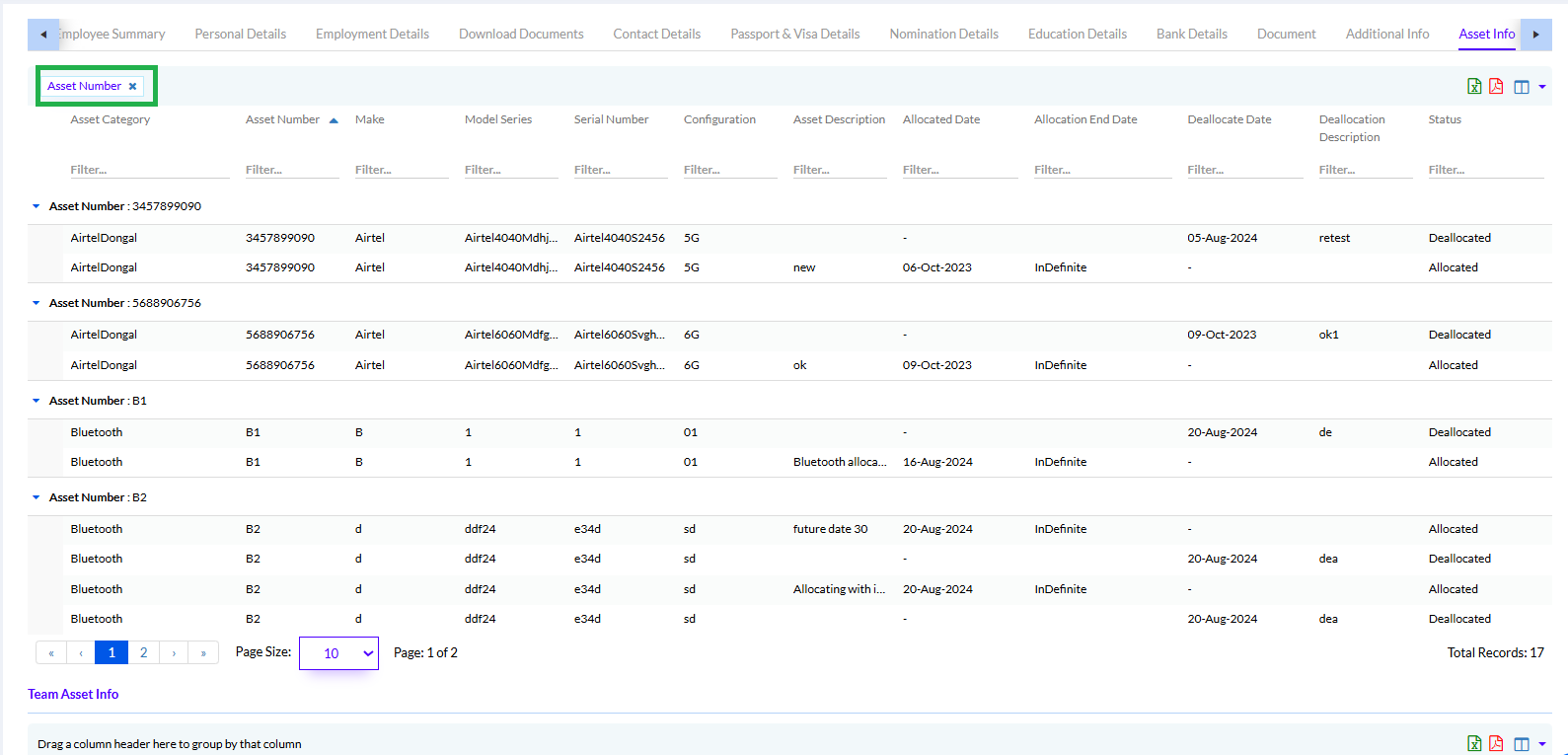
The user can use and drag a column to ‘Drag a column header here to group by that column’ in the “Team Asset Info” List to group by that column.
For Example, if the user wants to group by the Business Unit (BU), he/she can drag Business Unit column to display the list by BU as shown in screen below.
Note: An Employee can update their own details except employment details. The employee when filling any details goes for approval from HR/Admin.
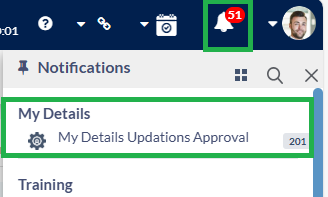
The Manager gets notified for Approval
Once the approval done the details will be added.
Enhanced Functionality for asset information
Employees can now view all allocated asset details directly from their My Details section.
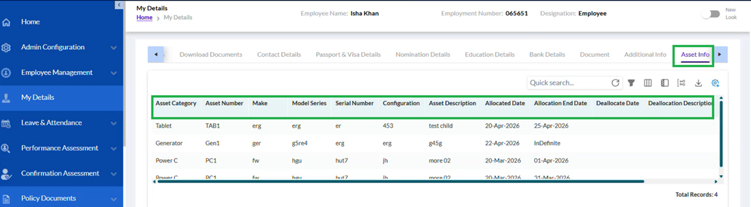
The system displays:
- Asset Name
- Allocation Date
- Allocation Type
- Status
- Related Asset Information
This provides employees with better visibility into assigned assets.