Leave Encashment
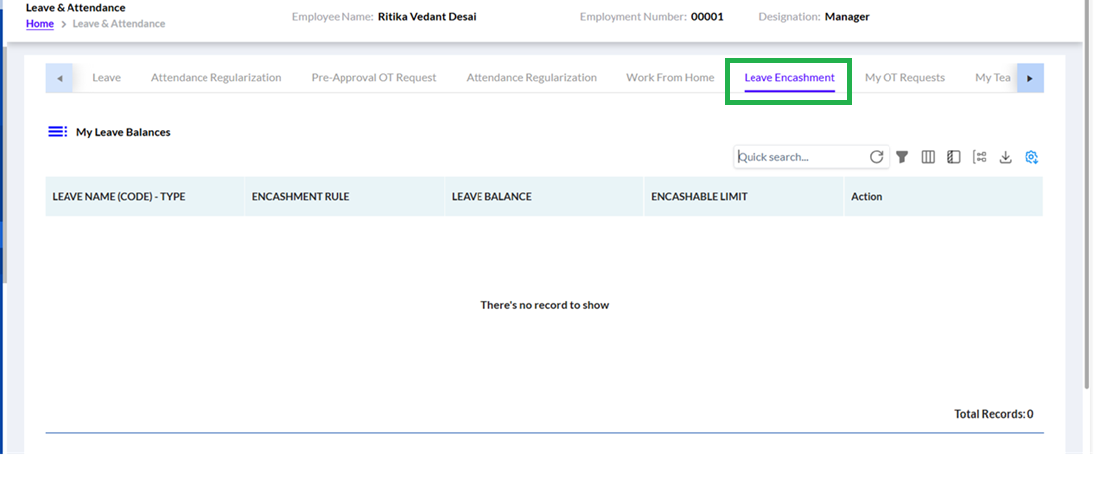
The employee can click on the Leave Encashment hyperlink under the Leave & Attendance section to view their leave encashment details, including Leave Name (Code)-Type, Encashment Rule, Leave Balance, Encashable Limit, and available actions, as highlighted in the screenshot below.
If no records are available, the message "There's no record to show" will be displayed along with Total Records: 0, enabling employees to quickly check their encashment eligibility and limits for various leave types.