Simplify Employee Expense Management & Reimbursements
Manage expense requests, approvals, reimbursements, and reports through one centralized platform.
Make Expense & Reimbursements Management Simple, Transparent, and Efficient
Managing employee expenses involves multiple steps, from submitting bills and expense requests to reviewing approvals and processing reimbursements. Manual processes can make it difficult to maintain accurate records, track requests, and ensure that expenses comply with organizational policies.
Digital HRMS provides a centralized expense management solution that helps employees submit expenses, managers review and approve requests, and accounts teams process reimbursements efficiently. With configurable workflows, expense limits, multi-currency support, and detailed reporting, organizations can manage the complete expense lifecycle with greater visibility and control.
Common Challenges in Managing Employee Expenses
Without a structured expense management process, organizations can face delays, limited visibility, and difficulties in tracking employee expenses and reimbursements.
Manual Expense Processing
Managing expense claims, bills, and reimbursement requests manually can require significant administrative effort.
Delayed Approvals
Multiple approval levels and manual follow-ups can slow down the processing of employee expense requests.
Difficult Expense Tracking
Tracking submitted, approved, rejected, and reimbursed expenses across different employees can become difficult without centralized visibility.
Managing Expense Limits
Ensuring that employees follow predefined expense limits and eligibility criteria can be challenging when handled manually.
Complex Reimbursement Management
Accounts teams need to review approved expenses, verify amounts, and process reimbursements while maintaining accurate records.
Limited Reporting Visibility
Generating accurate expense reports and analyzing expenses by employee, expense type, currency, or cost center can be time-consuming.
How Digital HRMS Simplifies Employee Expense and Reimbursements Management
Digital HRMS brings expense requests, approvals, reimbursements, and reporting together in one centralized HRMS software platform.
Easy Expense Submission
Employees can submit expense requests by entering expense details, amounts, purpose, travel information, and other required information.
Automated Approval Workflows
Configurable workflows automatically route expense requests to the appropriate managers and approvers.
Real-Time Request Tracking
Employees and authorized users can monitor the status of expense requests throughout the approval process.
Flexible Approval Management
Managers can review requests, modify amounts where permitted, partially approve or reject expenses, and process multiple requests efficiently.
Centralized Reimbursement Processing
Approved requests can be accessed by accounts teams for reimbursement processing, providing better control over the payment stage.
Detailed Expense Reports
Generate reports and filter expense information based on request status, expense type, currency, date, and other parameters for better analysis.
See Automated Expense & Reimbursement in Action
Explore how Digital HRMS simplifies expense submission, approvals, reimbursements, and reporting.
Powerful Features for Smarter Expense Management
Digital HRMS provides an end-to-end solution for managing employee expenses and reimbursements. From bill uploads and configurable limits to automated approvals, reimbursement processing, dashboards, and detailed expense reports, the module helps organizations improve visibility and control across the expense lifecycle.
Explore the Digital HRMS Expense & Reimbursements Module
The updated Expense & Reimbursements module organizes expense processing into Expense Requests, Expense Dashboard, and Report sections. Expense Requests includes Notifications, My Requests, Team Requests, All Requests, and Reimbursement Requests, while the Report section includes Expense and Reimbursement Report, Saved Reports, and Pay Expenses.
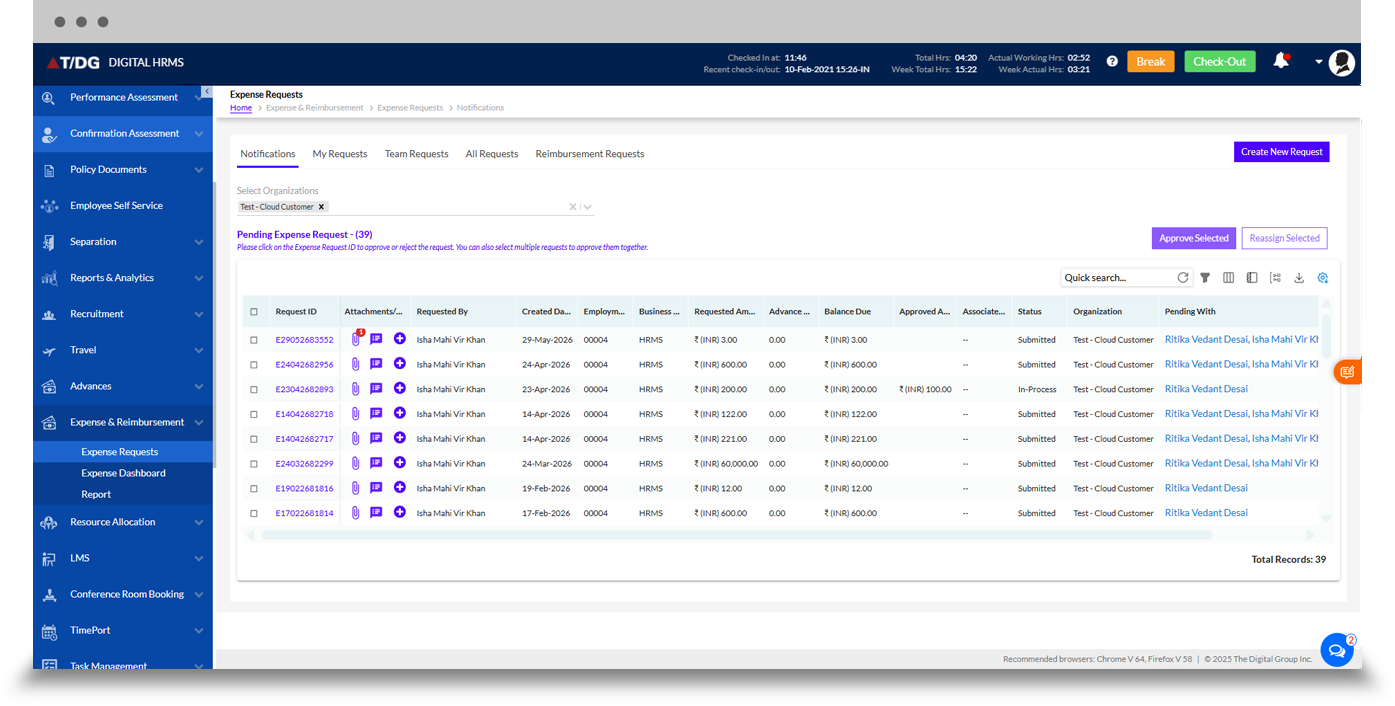
The Notifications view provides users with a centralized location to monitor expense-related activities that require attention. It helps employees, managers, and other authorized users stay informed about relevant expense requests and pending actions without having to search through individual request screens.
Notifications can also be accessed through the notification bell, providing a convenient way to stay updated on expense-related activities.
The My Requests section allows employees to create and manage their own expense requests.
Employees can enter details such as expense type, amount spent, spending mode, travel details, purpose, and other relevant information. They can also submit expenses in supported currencies and view the status of their requests after submission.
This provides employees with a centralized place to manage their expense claims and follow their progress through the approval process.
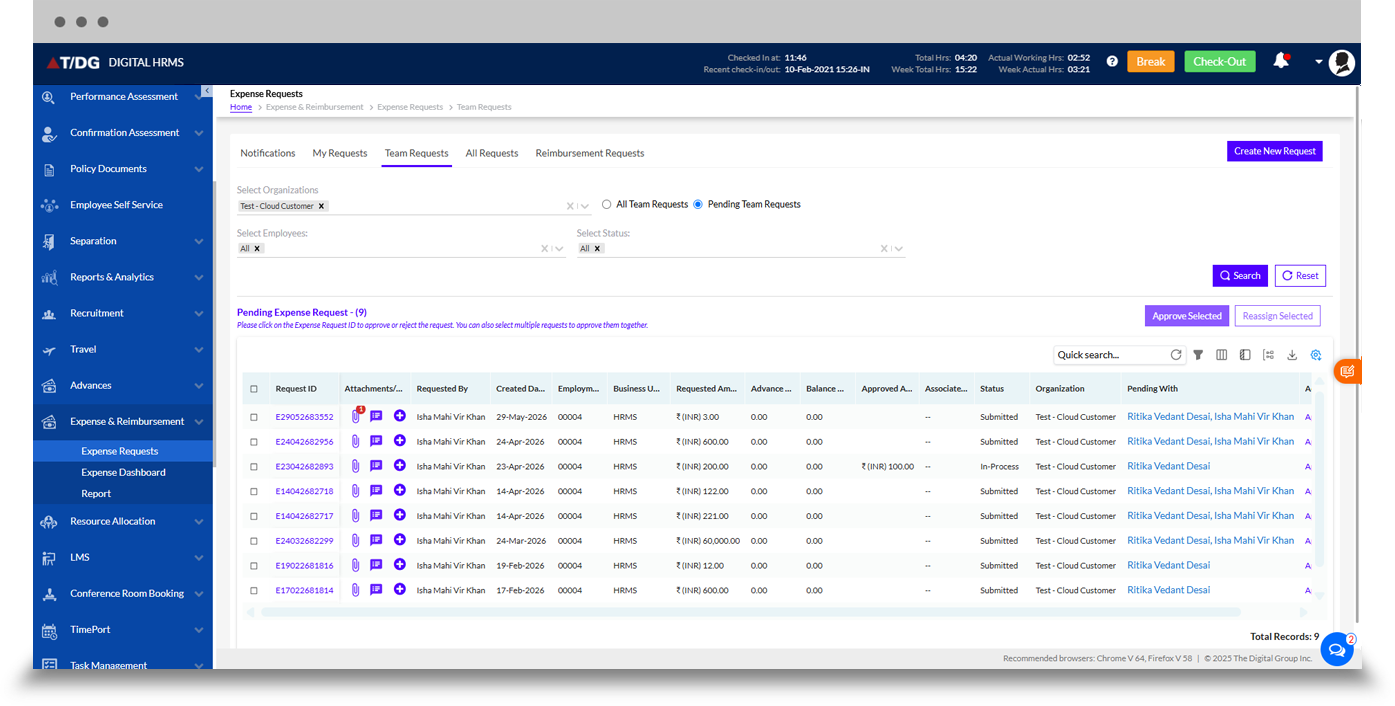
The Team Requests section is designed for managers who need to manage expense requests raised by their team members.
Managers can:
- Create expense requests on behalf of team members
- View requests raised by their team
- Check the status of requests
- Review expense details
- Approve or reject requests
- Process multiple eligible requests using bulk approval
This gives managers a dedicated workspace for handling team-level expense management.
The All Requests section provides HR and authorized administrators with broader visibility into expense requests across the organization.
Users with appropriate permissions can view requests across different statuses, including completed and in-process requests. They can also approve, reject, or cancel requests and create new expense requests on behalf of employees.
This centralized view helps HR teams monitor organization-wide expense activity while maintaining role-based access.
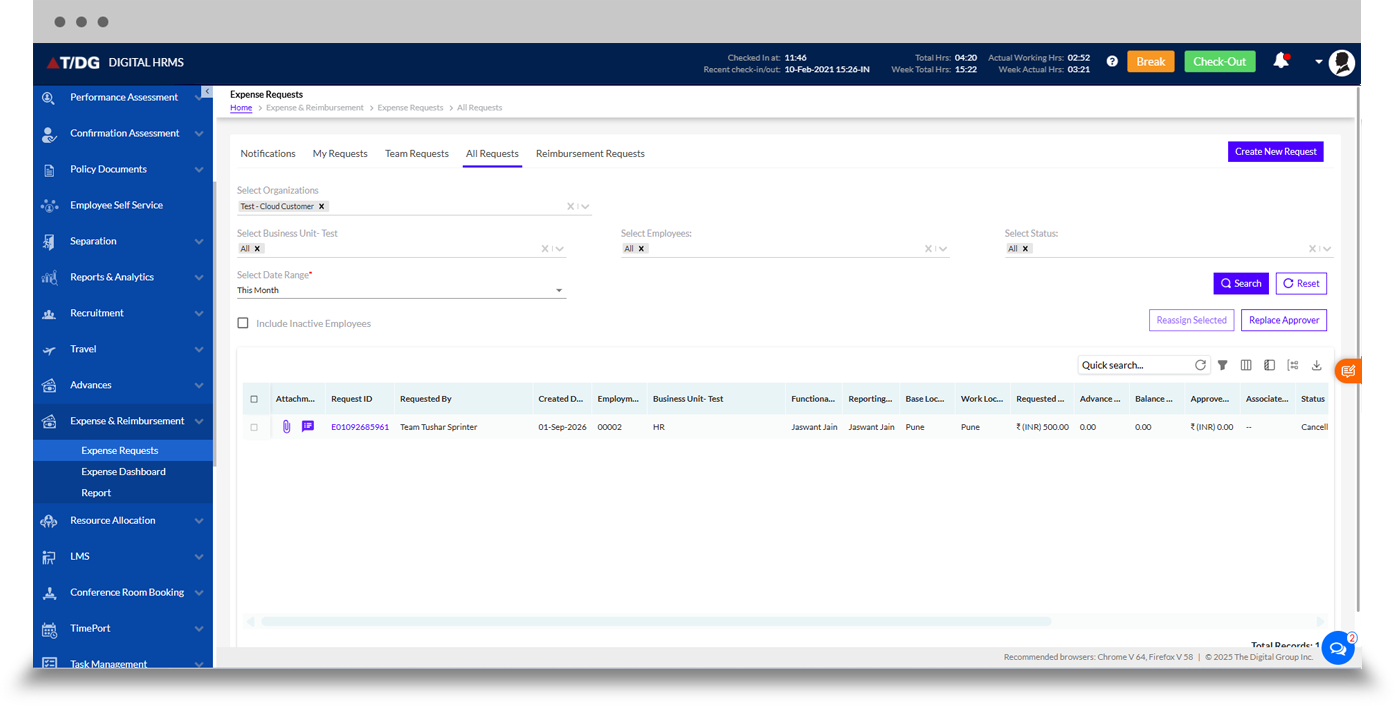
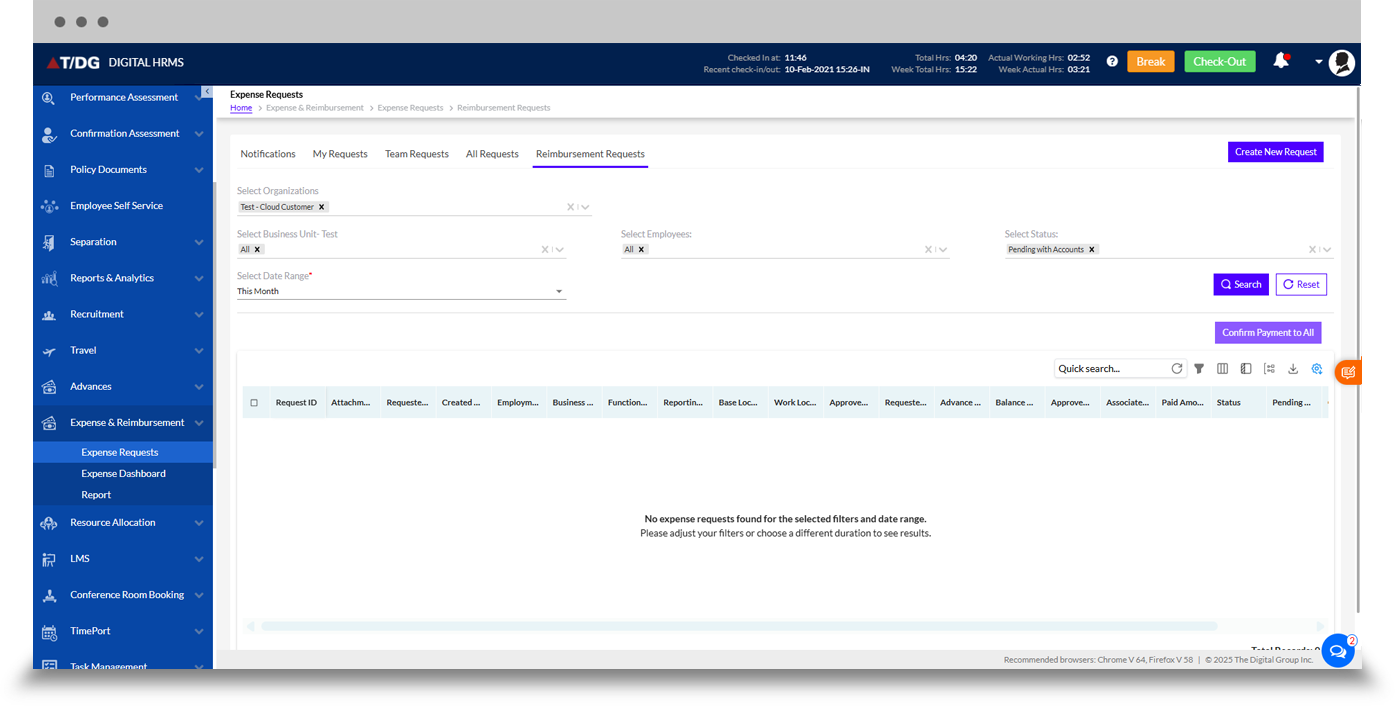
The Reimbursement Requests section is designed for accounts managers to access approved expense requests from teams across the organization.
By providing a dedicated reimbursement view, the module helps accounts teams focus on approved expenses that are ready for reimbursement processing and maintain better visibility over the transition from expense approval to payment.
Get a Clear View of Your Expense Management Activity
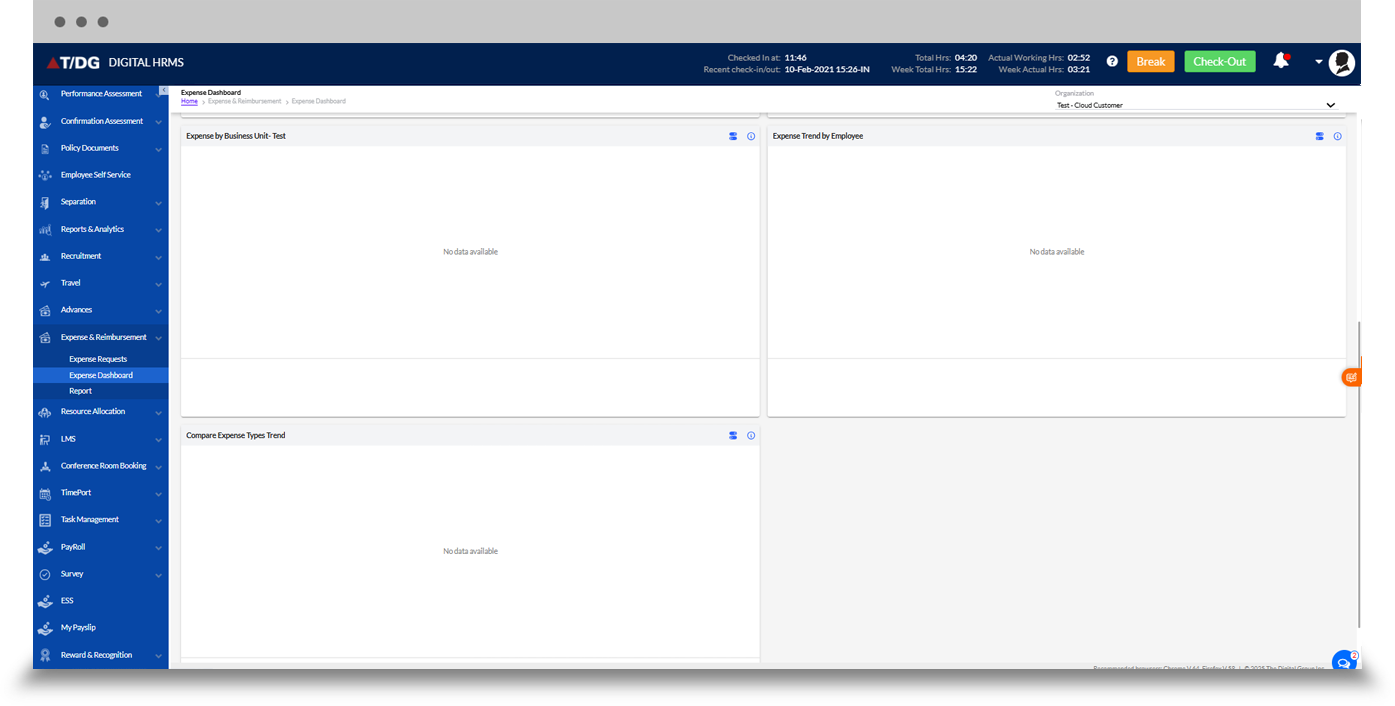
The Expense Dashboard provides a centralized view of expense-related activities and gives users a convenient way to navigate important expense management functions.
It complements the individual request views by bringing expense information into a dedicated dashboard environment, helping authorized users monitor expense activity and access relevant requests and processes more efficiently.
The updated screenshots identify Expense Dashboard as a dedicated section within the module.

Generate Detailed Expense and Reimbursement Reports
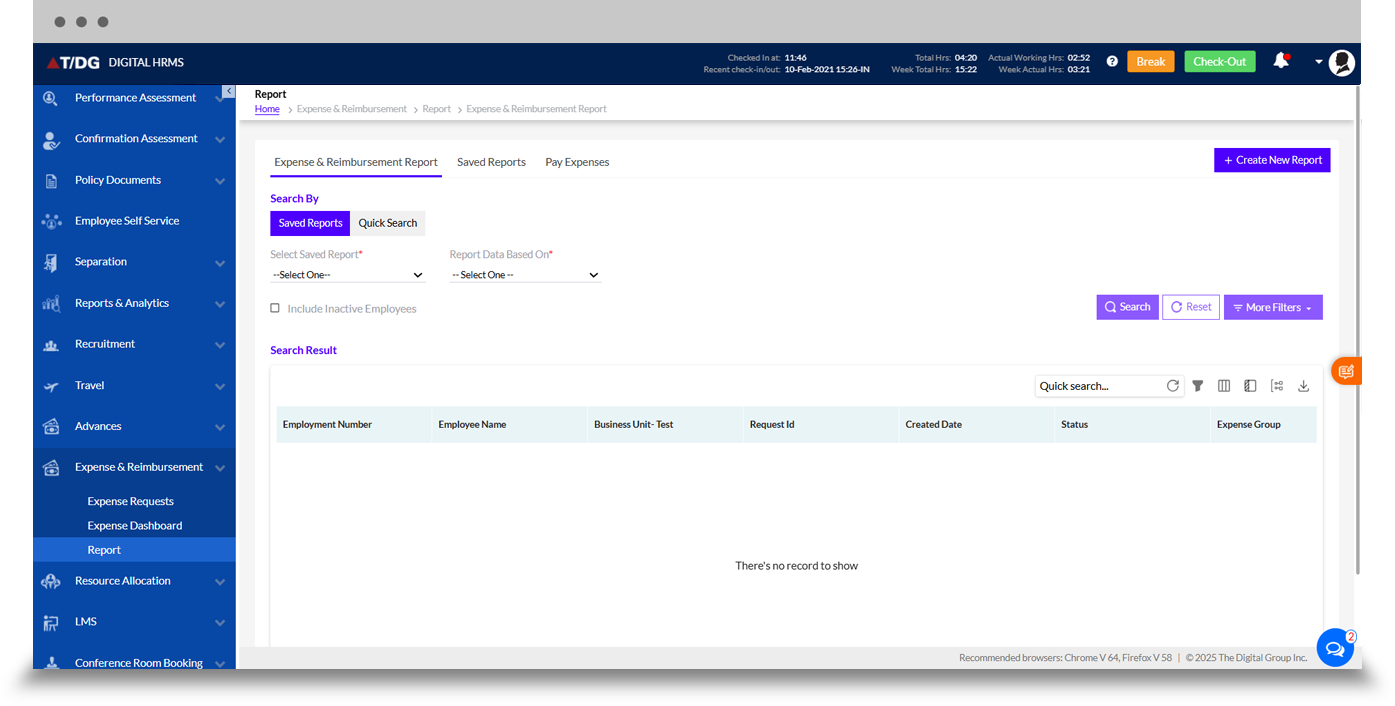
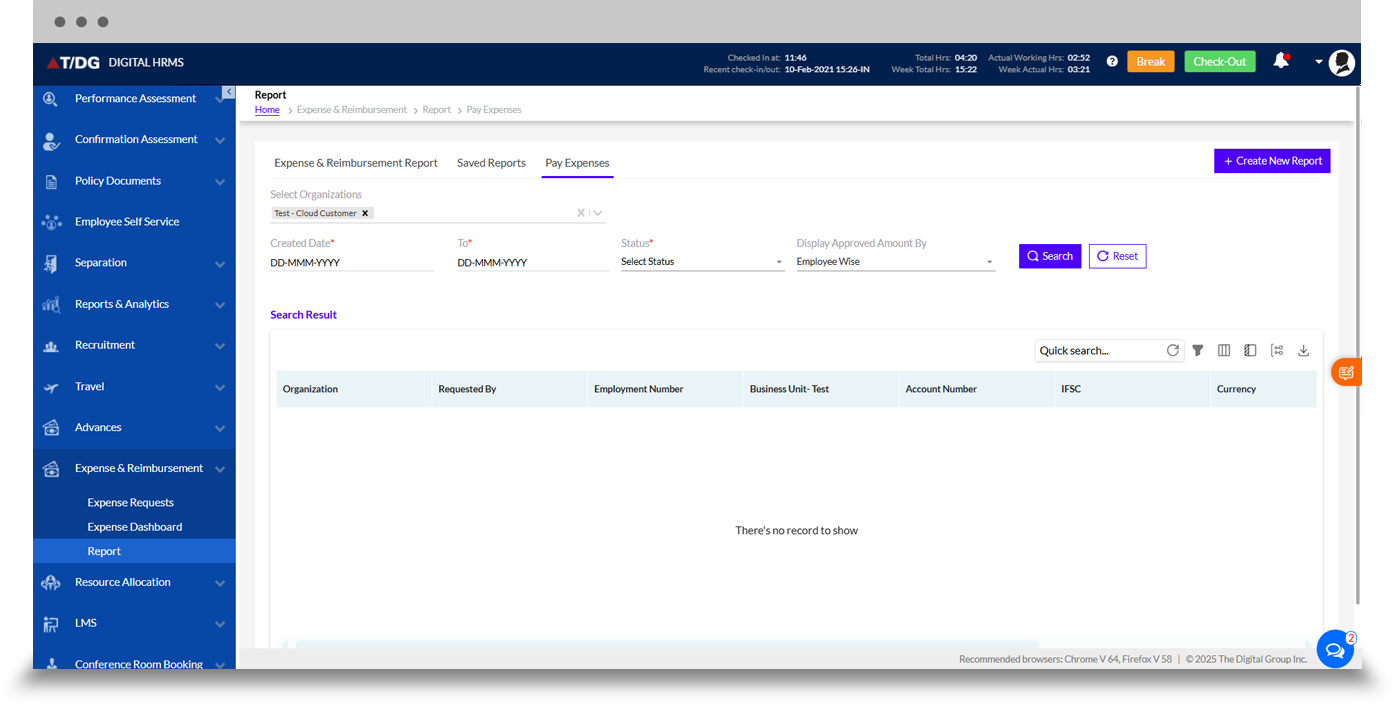
The Report section provides tools for analyzing expense and reimbursement activity and reviewing historical request information. The updated module includes Expense and Reimbursement Report, Saved Reports, and Pay Expenses under this section.
A. Expense and Reimbursement Report
The Expense and Reimbursement Report provides detailed information about expense and reimbursement requests. Users can search and filter records using parameters such as request status, expense type, currency, date, and other available criteria.
This helps HR, finance, and management teams analyze expense activity and maintain better visibility into reimbursement records.
B. Saved Reports
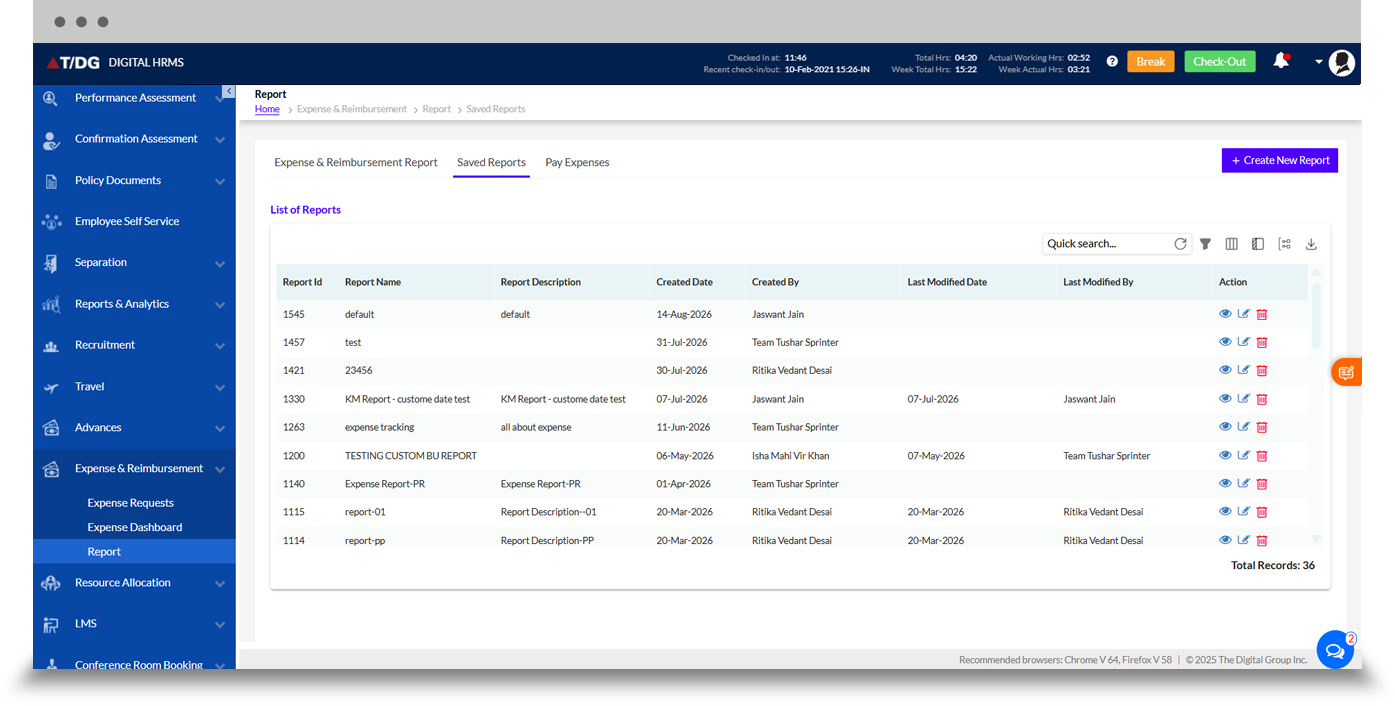
The Saved Reports section provides a convenient way to access previously configured report views. It can help users return to frequently required expense and reimbursement reports without recreating the same reporting parameters each time.
C. Pay Expenses
The Pay Expenses section supports the payment stage of the expense management process. It provides a dedicated workspace for managing expenses that have reached the payment stage, helping accounts teams maintain better visibility and control over reimbursement processing.
Why Choose Digital HRMS for Expense & Reimbursement Management?
Faster Expense Processing
Reduce manual effort by digitizing expense submission, review, approval, and reimbursement processes.
Better Employee Experience
Give employees an easier way to submit expenses, upload bills, and monitor request status.
Efficient Approvals
Automated workflows, auto-approval, partial approval, and bulk approval help managers process requests more efficiently.
Stronger Financial Visibility
Track requested, approved, and reimbursed expenses through centralized dashboards and reports.
Improved Policy Compliance
Configure expense limits, eligibility criteria, workflows, and approval processes according to organizational policies.
Connected HR Management
Integrate expense processes with other HR functions through a unified human resource management platform.

Learn More About Expense & Reimbursement Management
Discover how Digital HRMS can help your organization simplify employee expense management, automate approvals, manage reimbursements, and gain better visibility through detailed reports.
Simplify Employee Expense & Reimbursement Management with Digital HRMS
Move beyond manual expense processing with a centralized solution that helps employees submit expenses, enables managers to approve requests, and supports accounts teams in managing reimbursements and payments.